
EN
EN
How CarzBox Works
From the first car to a full collection — here's the workflow families actually use.
- 1
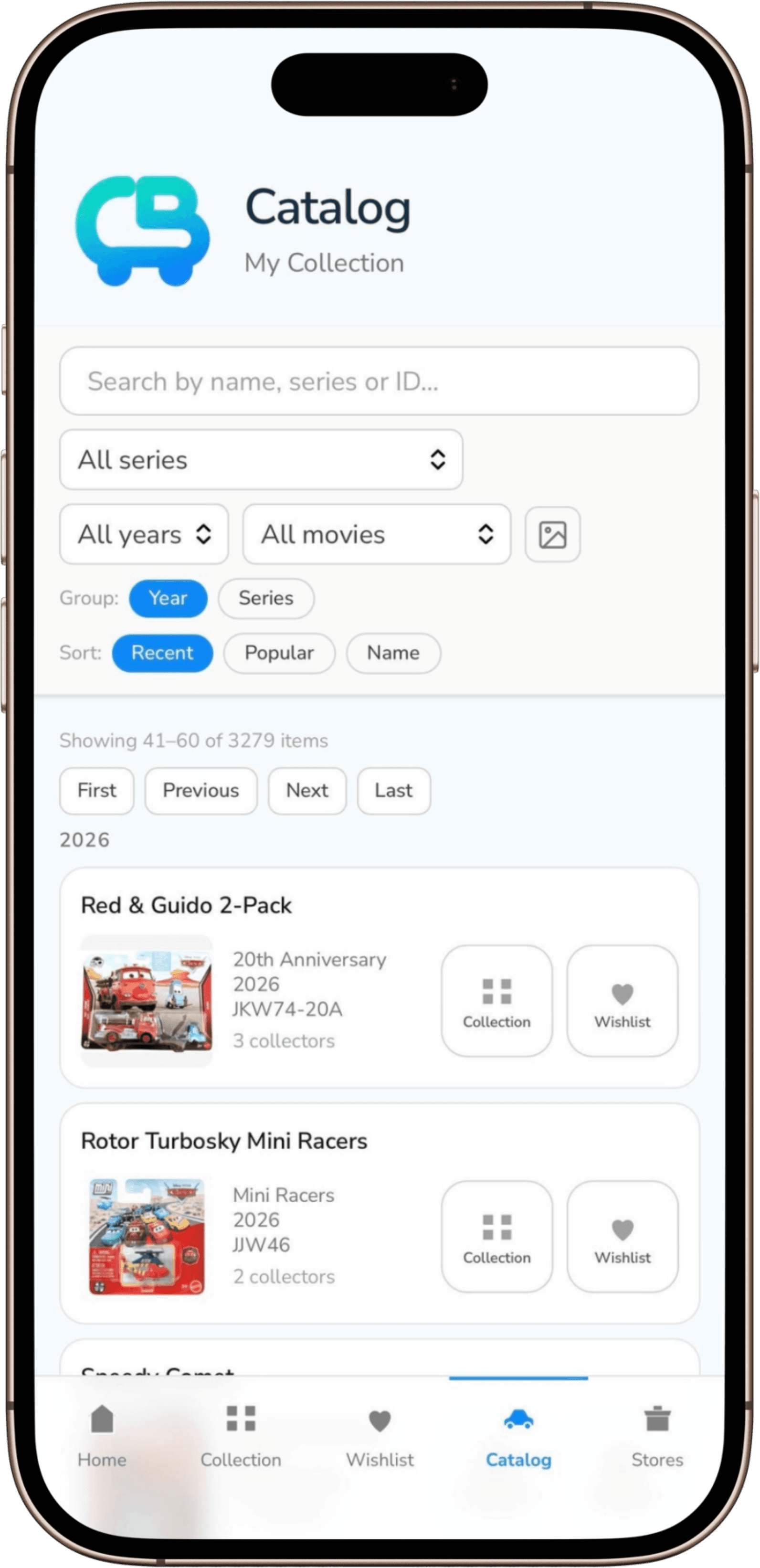
Search & add your first car
Search the catalog by character or edition, then add it to your collection in a couple of taps — no manual data entry.
- 2
Track Have, Want, and Duplicate status
Mark each car as Have, Want, or Duplicate so your collection and wishlist always match what's actually in the garage.
- 3
Invite family into a shared collection
Bring in a co-parent, grandparent, or friend as a Helper or Manager so everyone sees the same list before they buy.
- 4
Spot cars in stores
Search the catalog on the go, and browse or share store sightings with the community to know where to look next.
Find the car. Check your collection. Know the answer.
Start your collection for free.